




Edges and fine structures
Look at laces, small gaps and curved outlines. Missing details or coloured fringes need closer review.
Remove distracting backgrounds from product images and prepare subjects for your shop, website or social media. Background removal is a planned tool in Studio and Partner.

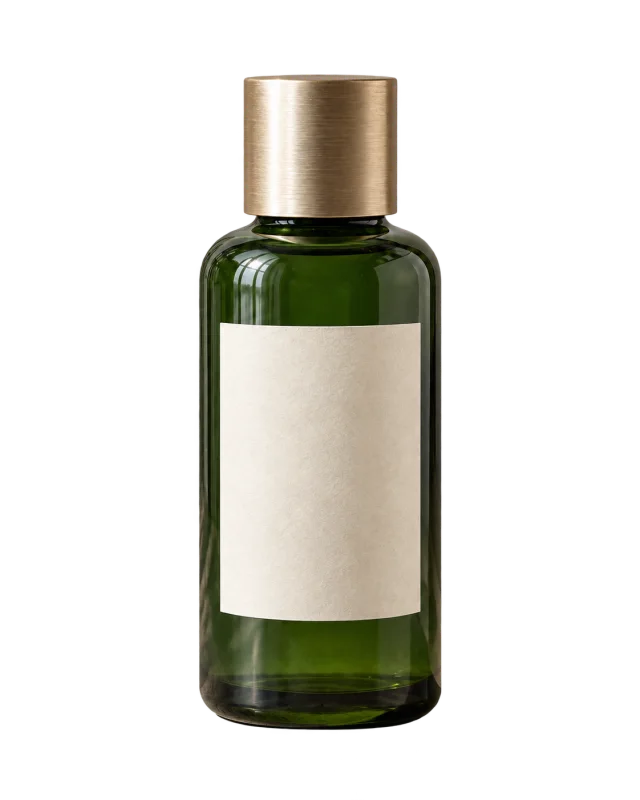
In preparation: image processing is not connected yet. This page does not upload or process images.
Move the comparison slider, change the preview background and inspect the details. These prepared examples work without uploading a file.
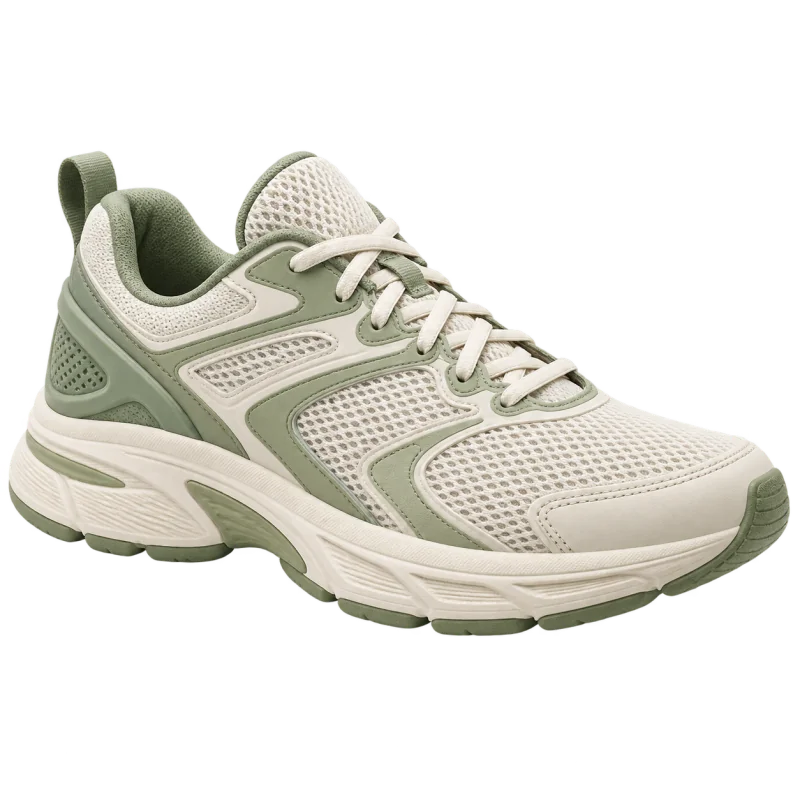
Drag the slider or use the arrow keys. Left: original scene. Right: selected background.
Prepared demonstration using an AI-generated product image and an illustration. The original scene is composed for this demo. No live background removal or quality benchmark is performed.
Look at laces, small gaps and curved outlines. Missing details or coloured fringes need closer review.
Switch between light and dark previews. A cutout can look clean on white but reveal a halo on a darker surface.
The subject should retain its shape and colours. Background removal is not permission to alter the product being sold.
Useful for layering on websites and layouts. PNG can preserve transparency; a checkerboard is not part of the exported subject.
Useful for consistent catalogue layouts. JPEG does not preserve transparency; verify each destination’s requirements.
Text, spacing and a suitable aspect ratio make a separate design. This demo changes the preview only; it does not offer customer-image editing or export.
Focus attention on your product and prepare consistent image collections. Check individual shop or marketplace requirements separately.
Place an isolated subject on suitable surfaces. Background removal does not automatically fix blur or restore missing details.
Use your subject in posts, cover images or campaign layouts. Publishing and post promotion are separate steps.
This describes the intended workflow after provider integration. File limits, export formats and credit rules will be published before activation.
Select a sharp original with a clearly visible subject. Only use images you have permission to edit.
Planned: file type, size and dimensions are checked before processing starts.
Review the selected image and expected credit usage. Processing should start only after your confirmation.
No automatic top-up when credits run out. Rejected images do not start a job.
The connected image service will separate the subject from the background. Status must reflect the real job.
No simulated progress percentages. Errors and timeouts are not presented as completed results.
Compare original and result, especially hair, fine edges, transparent materials and shadows.
Some results may need corrections. Perfect output for every subject is not promised.
Download the confirmed result in an offered format and use it in your project. Transparent backgrounds require a format supporting transparency.
Transparent export is planned; exact formats and resolutions depend on provider validation.
Hair, fur, glass, translucent fabrics, fine mesh and strong reflections may be more difficult. Review these results carefully.
Separate the subject from its background. This is not automatic retouching, colour correction or reconstruction of missing image parts.
Transparency means there is no fixed colour behind the subject. The checkerboard is a display aid, not part of the subject.
Adding a background, shadow, text or complete ad layout is another design step. These additions have not been confirmed as included.
Both annual packages envisage background-removal credits. Exact quantities, export limits and rules will be confirmed before sales open.
Social media, website, store and product tools.
Includes applicable VAT / sales tax
Equivalent to approx. €3.33/month
12-month total ÷ 12. One payment for the full term.Save €99.95 on setup
No subscription. No automatic renewal.
Includes applicable VAT / sales tax
Your business, with personal guidance.
Includes applicable VAT / sales tax
Equivalent to approx. €8.33/month
12-month total ÷ 12. One payment for the full term.Save €99.95 on setup
No subscription. No automatic renewal.
Includes applicable VAT / sales tax
Annual package setup remains free. That does not mean unlimited free image editing. Extra image credits are planned; prices and validity are still open. Start currently includes no image credits.
Before real uploads open, the provider, processing, storage location, retention and deletion options will be explained. Private uploads must not automatically become public galleries or websites. Do not upload confidential images before these terms are settled.
PrivacyNot yet. The provider is not connected. This page explains the intended workflow and does not accept image files.
Input formats, file size, pixel limits and export resolution will be set after provider validation and shown before upload.
The final billing unit is still open. Usage should be shown before starting. There will be no invented balances or automatic top-ups.
The plan is to reconcile real job results: failed processing should not create final usage charges. Uncertain outcomes must be checked before retrying.
Downloading the same stored result again should not start another processing job. Retention periods will be set before activation.
That cannot be promised. Quality depends on the subject, source image and provider. Check fine details in the preview.
The intended workflow covers mobile and desktop. File selection, preview and download need real-device testing after integration.
You need appropriate rights to the original. The connected service’s terms must also permit commercial use; these will be explained before activation.
Our team can explain the planned package scope for your needs.